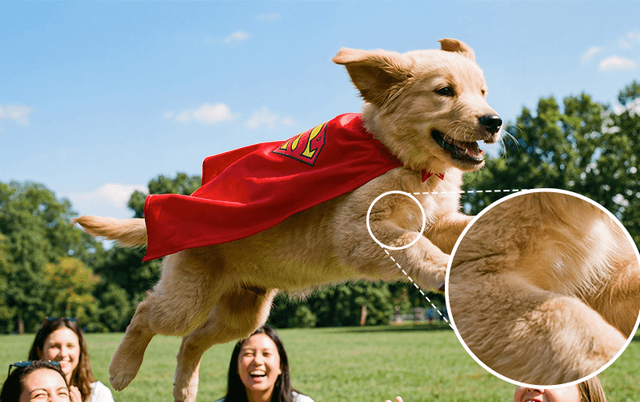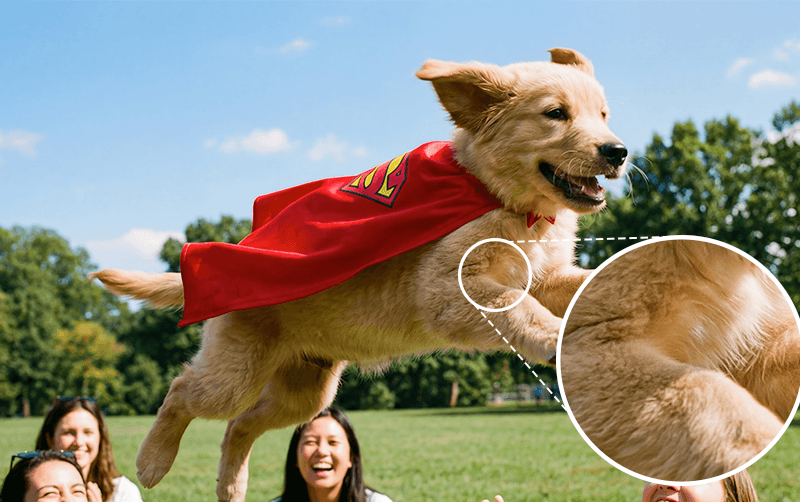
How to Generate 4K Images with Nano Banana Pro in Photoshop
While Photoshop's native Generative Fill in combination with Nano Banana Pro is powerful, it doesn't support 4K resolution output by default. This limitation makes it challenging to create or edit high-resolution images suitable for print, large displays, or projects that demand maximum detail. Fortunately, there's a workaround by using the Pablo for Photoshop plugin.
Requirements:
- Photoshop CC (any recent version)
- Pablo plugin installed
- Active Pablo account
Step-by-step instructions
Download and Install Pablo
Visit trypablo.com and download the Pablo plugin for Photoshop.
Follow the installation instructions for your operating system (Windows or Mac).
Authenticate with Pablo
Open the Pablo panel in Photoshop (Plugins → Pablo) if it hasn't opened automatically.
Click 'Authenticate' when prompted.
Log in with your Pablo account credentials, or create a new account if you don't have one.
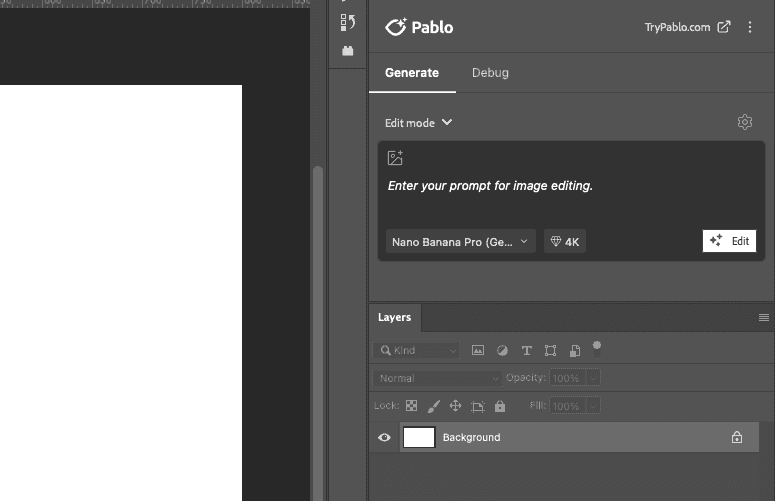
Once authenticated, you'll see the Pablo interface with access to Nano Banana Pro and other AI models.
Configure Your Settings
In the Pablo panel, locate the settings area where you can configure your generation options.
Above the prompt area, select Edit if you're modifying an existing selection, or Create if you're generating a new image from scratch.
From the model dropdown, select Nano Banana Pro. This model is required for 4K generation. Standard Nano Banana does not support 4K resolution.
From the resolution dropdown, select 4K. Note that 4K generation takes slightly longer due to the increased detail and file size.
Generate Your 4K Image
If editing an existing image, use selection tools (Lasso, Object Selection, Magic Wand) to isolate the area you want to modify. If you're creating a new image, no selection is needed.
Be specific and detailed in your prompt to get the best results.
Click the 'Edit' or 'Create' button to generate your 4K image.
Wait for the generation to complete. 4K images require more processing time but deliver great quality.