Nano Banana 2 in Photoshop Is Here: Pro Quality at Flash Speed
Google just launched Nano Banana 2 (Gemini 3.1 Flash Image), combining Nano Banana Pro's advanced capabilities with lightning-fast generation. Here's what it means for professional creatives.
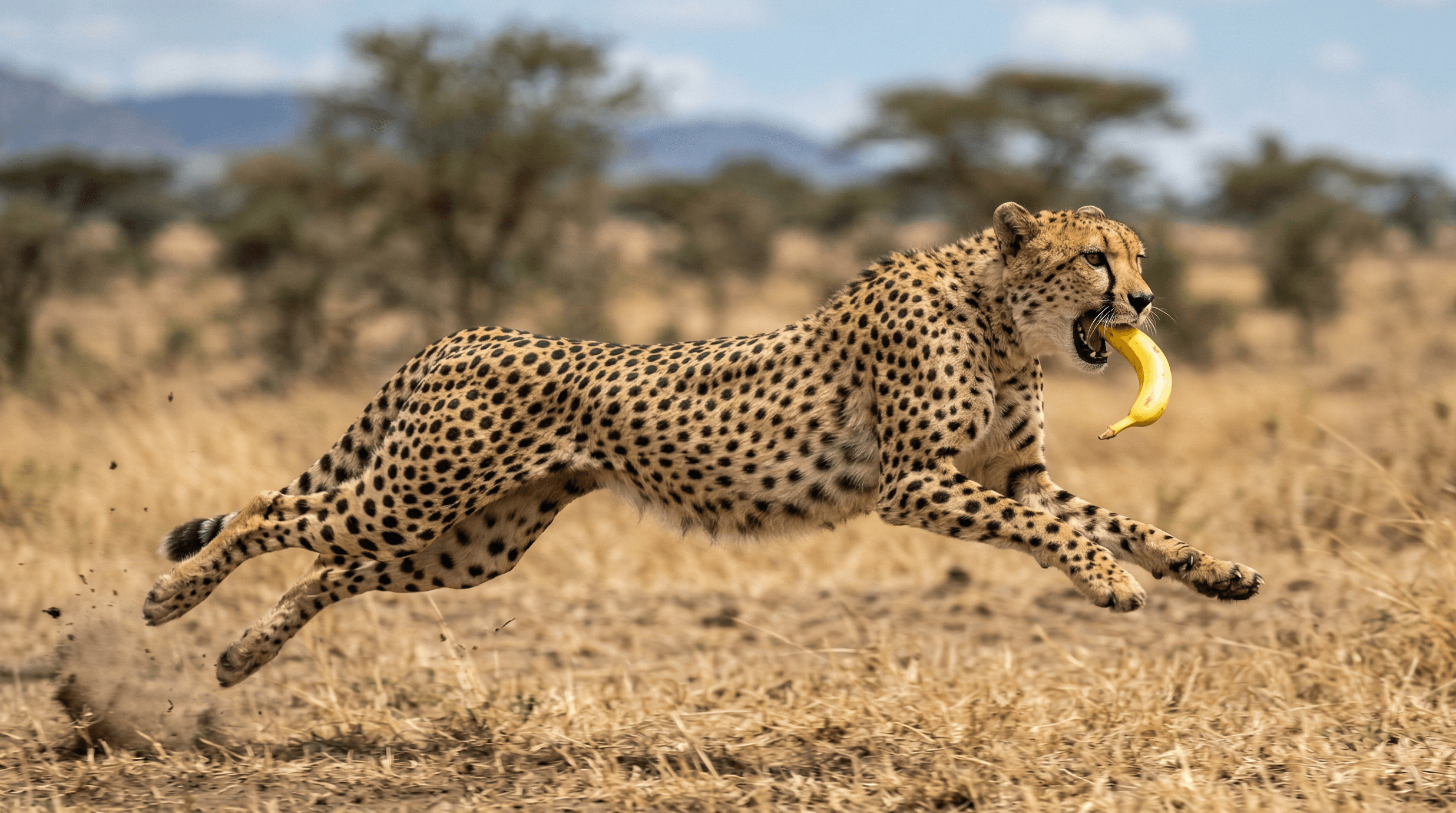
Back in August, Google's Nano Banana took the internet by storm and redefined what AI image generation could do. Then in November, Nano Banana Pro raised the bar with advanced intelligence and studio-quality creative controls that we brought straight into Photoshop through Pablo. Today, Google is bringing the best of both worlds together.
Meet Nano Banana 2 (technically Gemini 3.1 Flash Image): Google's latest image generation model that delivers Pro-level quality at Flash speed. You no longer have to choose between quality and speed, and for Pablo users working in Photoshop, that means faster iteration without sacrificing the output quality your clients expect.
What Makes Nano Banana 2 Different
The original Nano Banana was fast but lacked the advanced capabilities of Pro. Nano Banana Pro had the quality but was slower. Nano Banana 2 bridges that gap by combining Pro's intelligence with Flash's speed, making rapid iteration and high-quality output possible in the same model.
Here's what stands out:
Dramatically Lower Costs
Nano Banana 2 comes in at a fraction of the cost of Nano Banana Pro. Here's how the API pricing compares:
| Resolution | Nano Banana 2 | Nano Banana Pro | Savings |
|---|---|---|---|
| 1K | $0.10 | $0.15–$0.17 | ~37% cheaper |
| 2K | $0.12 | $0.15–$0.17 | ~25% cheaper |
| 4K | $0.17 | $0.26–$0.28 | ~37% cheaper |
Nano Banana Pro's price varies depending on the complexity of the generation and how many reference images are used. Either way, Nano Banana 2 comes in significantly cheaper across the board. For Photoshop users generating dozens of iterations through Pablo to nail a concept, those savings add up fast.
Advanced World Knowledge
Nano Banana 2 pulls from Gemini's real-world knowledge base and is powered by real-time information and images from web search. This means it can more accurately render specific subjects, people, places and objects. It also opens up new use cases like creating infographics, turning notes into diagrams and generating data visualizations, all grounded in actual knowledge. For Photoshop users, this means less time fixing inaccurate details and more time on the creative work that matters.
Precision Text Rendering and Translation
One of the biggest pain points with AI image generation has always been text. Nano Banana 2 generates accurate, legible text directly within images. Whether you're creating marketing mockups, greeting cards or social media assets in Photoshop, the text actually looks right. You can even translate and localize text within an image to share ideas globally, without leaving your Photoshop canvas through Pablo.
Subject Consistency
Maintain character resemblance of up to five characters and the fidelity of up to 14 objects in a single workflow. This is huge for storyboarding and building visual narratives in Photoshop without your characters changing appearance between frames.
Precise Instruction Following
Nano Banana 2 adheres more strictly to complex prompts, capturing the specific nuances of your request. The image you get is the image you asked for. For professional Photoshop workflows where precision matters, this alone is a significant upgrade over the original Nano Banana.
Production-Ready Specs
Create assets with full control over various aspect ratios and resolutions from 512px all the way to 4K. Whether you're making a vertical social post or a wide-screen backdrop, your visuals stay sharp and ready for any deliverable.
Visual Fidelity Upgrade
Vibrant lighting, richer textures and sharper details. Nano Banana 2 maintains high-quality aesthetics at the speed you'd expect from a Flash model, bringing you closer to production-ready output straight from generation.
Nano Banana 2 vs Nano Banana Pro: Which Should You Use?
Google isn't replacing Nano Banana Pro entirely. Instead, they're positioning the two models for different workflows:
- Nano Banana Pro: Best for high-fidelity tasks that require maximum factual accuracy and the highest quality output.
- Nano Banana 2: Best for rapid generation, precise instruction following and workflows that benefit from integrated image-search grounding.
For most day-to-day creative work in Photoshop, Nano Banana 2 will likely become your go-to through Pablo. When you need the absolute best quality for a hero image or high-stakes client deliverable, Nano Banana Pro remains available.
What This Means for Photoshop Users
Nano Banana 2 represents a meaningful shift in the speed-quality tradeoff that has defined AI image generation. The combination of Pro-level intelligence, production-ready resolutions, consistent subject rendering and fast generation speeds makes it a practical tool for real Photoshop workflows.
As Google continues to advance its image generation capabilities, we'll keep bringing these improvements directly into Photoshop through Pablo. Stay tuned for updates on Nano Banana 2 support in Pablo.