GPT Image 2 Is Now Available in Photoshop via Pablo
OpenAI just released GPT Image 2, their most capable image generation model yet. Here's what it brings to your Photoshop workflow through Pablo.
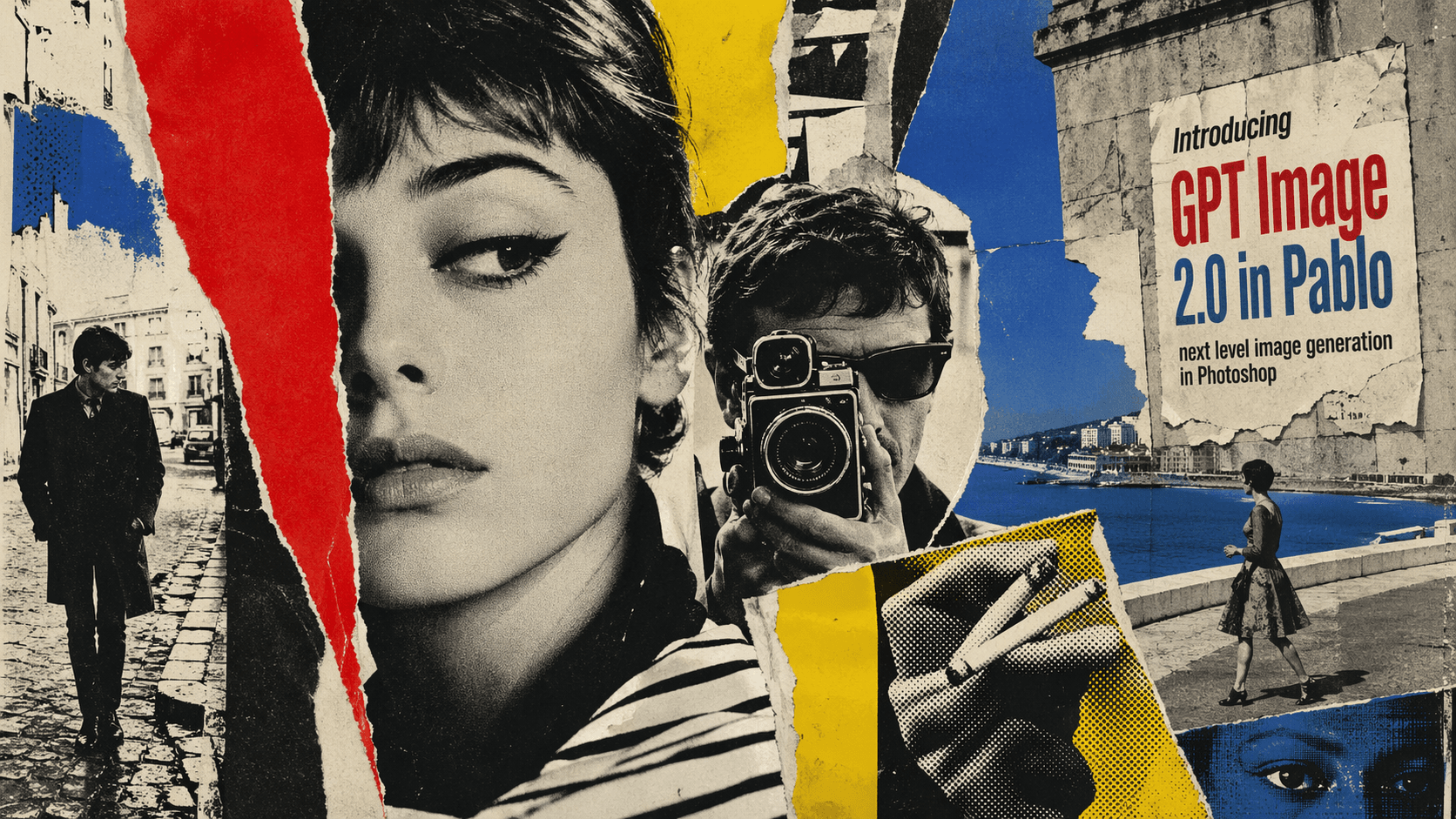
OpenAI released GPT Image 2 (also called ChatGPT Images 2.0) yesterday, and we've already added it to Pablo. Compared to 1.5, the images are sharper, the text renders correctly, and the pricing is lower.
What's new
Better instruction following
According to OpenAI, GPT Image 2 is much better at following detailed prompts than its predecessor. Where GPT Image 1.5 would get you something in the general direction of your prompt, GPT Image 2 should be able to handle small text, icons, UI mockups, and dense layouts with specific constraints more reliably.
Text rendering
Text was the weakest point of GPT Image 1.5. Posters came out with garbled letters. OpenAI claims GPT Image 2 fixes this, and the sample imagery they've shared backs that up. Text comes out clean, legible, and correctly spelled.
The model also reportedly handles non-Latin scripts far better than before. OpenAI specifically called out improvements in Japanese, Korean, Chinese, Hindi, and Bengali. If you're doing localized design work, this is worth testing. Previous models were basically unusable for non-English text.
Photorealism and style
OpenAI says GPT Image 2 can more faithfully capture specific visual styles like 35mm film grain, manga, pixel art, and cinematic lighting, with better consistency in texture and composition. The sample images they've published do look noticeably less "AI" than what GPT Image 1.5 produced.
Aspect ratios and resolution
GPT Image 1.5 gave you three aspect ratios: 1:1, 3:2, 2:3. That was it. GPT Image 2 goes up to 3:1 wide and 1:3 tall.
Max resolution in the API is now 2K, up from 1.5K.
World knowledge
OpenAI says the model's knowledge cutoff is December 2025, so it should know about recent events, people, and places. That matters when you're generating infographics or explainer graphics where the content needs to be accurate, not just pretty.
Pricing
GPT Image 2 is actually cheaper than 1.5, and OpenAI added quality tiers so you can save even more on exploratory work.
| Quality | GPT Image 2 | GPT Image 1.5 |
|---|---|---|
| Low | $0.02 | N/A |
| Medium | $0.05 | N/A |
| High / Auto | $0.13 | $0.14 |
Full comparison
| Feature | GPT Image 2 | GPT Image 1.5 |
|---|---|---|
| Aspect ratios | Up to 3:1 / 1:3 | 3 (1:1, 3:2, 2:3) |
| Max resolution (API) | 2K | 1.5K |
| Text rendering | Strong | Inconsistent |
| Multilingual text | ||
| Quality tiers | Low / Medium / High | Single tier |
| Price range | $0.02 - $0.13 | $0.14 |
| Editing support |
What it still can't do
It's not perfect. OpenAI says it still struggles with things that require a full physical world model: origami folding guides, Rubik's Cube states, details on hidden or angled surfaces. Very repetitive fine detail (think individual grains of sand) can also trip it up. And if you're generating diagrams with labeled arrows, you'll still want to double-check those.
Try it now
GPT Image 2 is in Pablo now. Open the plugin and pick it from the model list.